Piko
Local-first dictation for macOS

Speak it. Place it.

Press fn, speak, and your words land at the cursor — transcribed and cleaned up entirely on your Mac.

Launch deal: $9.90 todayNormally $19
Buy Piko — $9.90
ERMXCYJTAN
Loved by early Mac users
Founders, designers, and builders.
Piko
Good evening
Press fn anytime and start speaking.
Pressfnto speak
Press again to place the text at your cursor
Ready
No transcript yet. Press fn to say the first sentence.
Recent
21:46Move the review to Friday morning. I can join at ten.
20:18Make the login error clearer and add a retry button.
First-run setup

From install to first dictation without guessing.

The updated Piko setup mirrors the macOS app: welcome, permissions, local model readiness, then a simple fn practice loop.

  1. 1
    Start local model prep early
    The setup screen starts the local model path before the user reaches the practice step.
  2. 2
    Grant the three macOS permissions
    Microphone records speech; Accessibility inserts text; Input Monitoring listens for fn.
  3. 3
    Practice the fn loop
    Press once to start, press again to stop and insert; Esc cancels the current dictation.
Piko Setup

Speak, it becomes text

Press fn, speak, and Piko places text where your cursor is.
Ready to dictate
First-run setup

Let Piko work on your Mac

Piko needs permission to hear you, listen for fn, and place text at your cursor.

Microphone
Record short dictation.
Allowed
Accessibility
Place text at the cursor.
Allowed
Input Monitoring
Listen for the fn hotkey.
Allowed
fn
Press once to start, press again to place text
Esc cancels the current dictation.

One narrow loop.

No windows to manage, no buttons to click. The whole interaction is one key.

  1. 01 · Hotkey
    Press fn
    Press the fn key once to start, again to stop and process.
  2. 02 · Recording
    16 kHz mono
    Audio buffered in memory — never written to disk by default.
  3. 03 · Draft
    Piko writes it down
    You see a readable draft quickly, without managing another app.
  4. 04 · Review
    Ready to use
    Piko keeps the result tidy enough to paste into your current task.
  5. 05 · Paste
    Lands where you're typing
    Clipboard write + single Cmd+V into the focused app. Clipboard fallback if blocked.
Problems solved

From scattered speech to usable text.

Piko is not another editor. It solves the small, repeated friction between thinking out loud and getting words into the app you're already using.
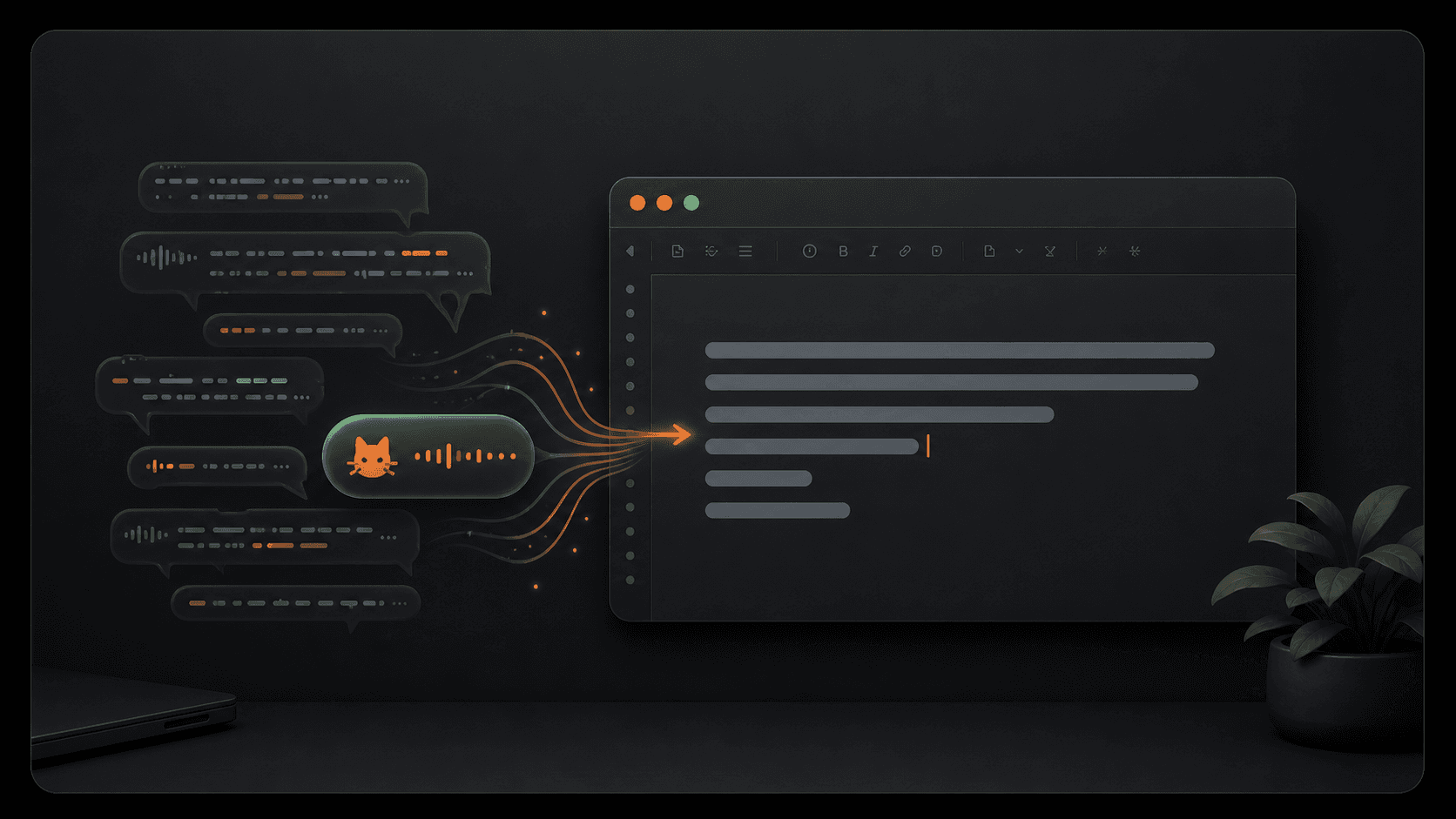
Illustration of messy speech becoming clean text at the cursor
1
Problem

Good thoughts disappear before you type them.

Press fn and say the thought immediately. Piko keeps the capture step short enough that you stay in flow.
2
Problem

Dictation tools make you copy, switch, and paste.

Piko places the result at the cursor in the app you were already using.
3
Problem

Voice input feels risky for private notes.

The default path is local. Your speech stays on this Mac unless you explicitly choose an online option.
Privacy

Privacy as a contract, not a setting.

Piko is local-first by default. The privacy claims below are enforced in code, not in marketing.

  • Audio never leaves your Mac
    Recording is buffered in memory and processed locally. No upload path exists by default.
  • Transcript text is never logged
    Diagnostics carry only timings and error codes — never the words you said.
  • History stays on this device
    Stored under your user library. Wipe it from Settings → Privacy at any time.
Settings
Privacy
Save local history
Stored on this Mac
History retention
30 days
Keep original audio
Off by default
Clear history
Plain controls, no developer setup required
The product surface explains the choice, not the implementation.
Local writing cleanup is the default.
Online cleanup is optional and explicit.
Audio stays local even when online cleanup is enabled.
Control

You decide when text leaves your Mac.

Piko's default path is local. Optional online cleanup is a deliberate choice, and audio is never sent through that path.

Languages

Use it in the situations where typing breaks your flow.

Piko handles English and Chinese in the same product loop, so the value is not a demo trick. It saves time in the daily writing moments you already have.
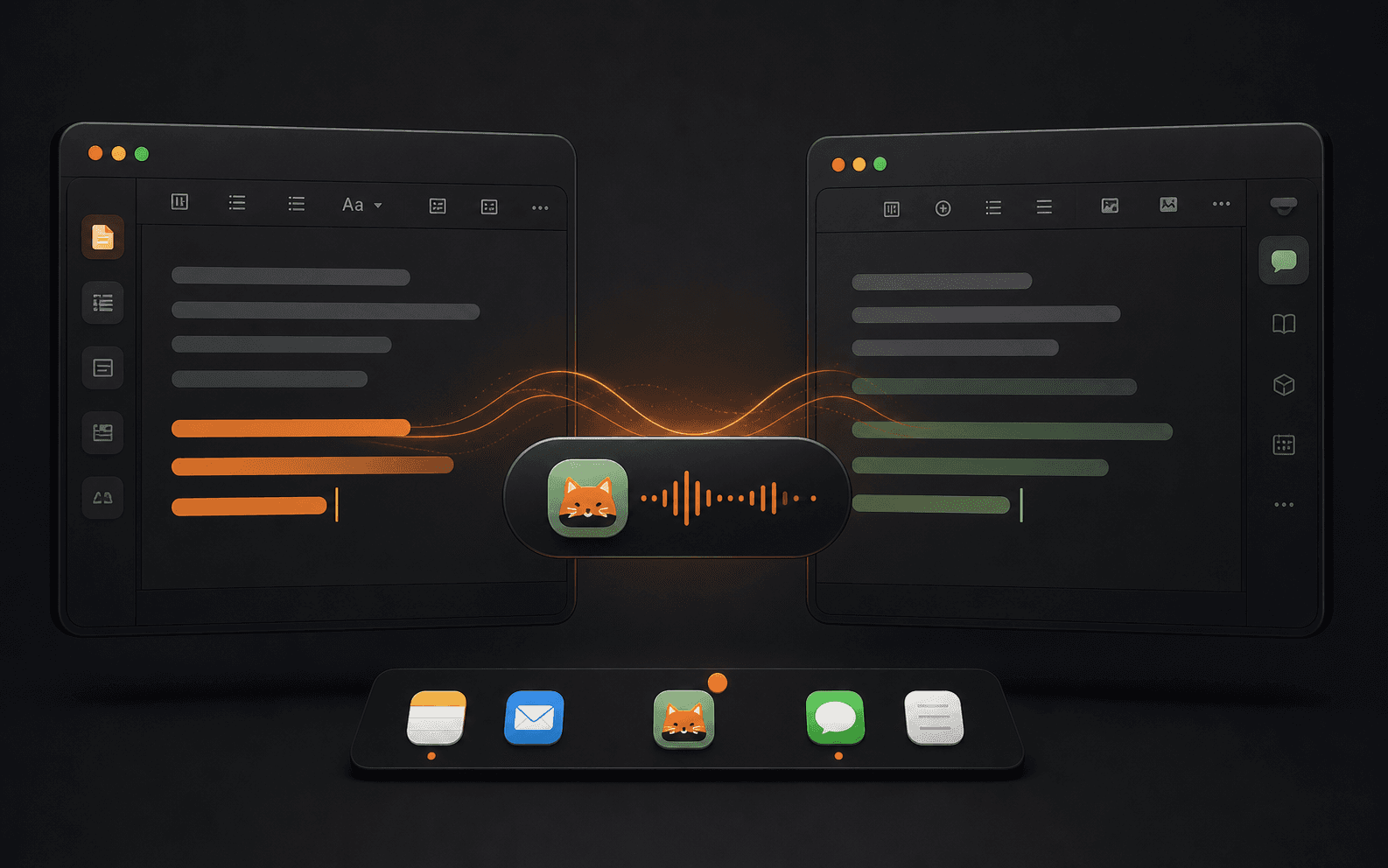
Turn quick meeting decisions into text.
Scheduling

Turn quick meeting decisions into text.

Say the scheduling detail once and place it directly into the message or calendar note you are editing.
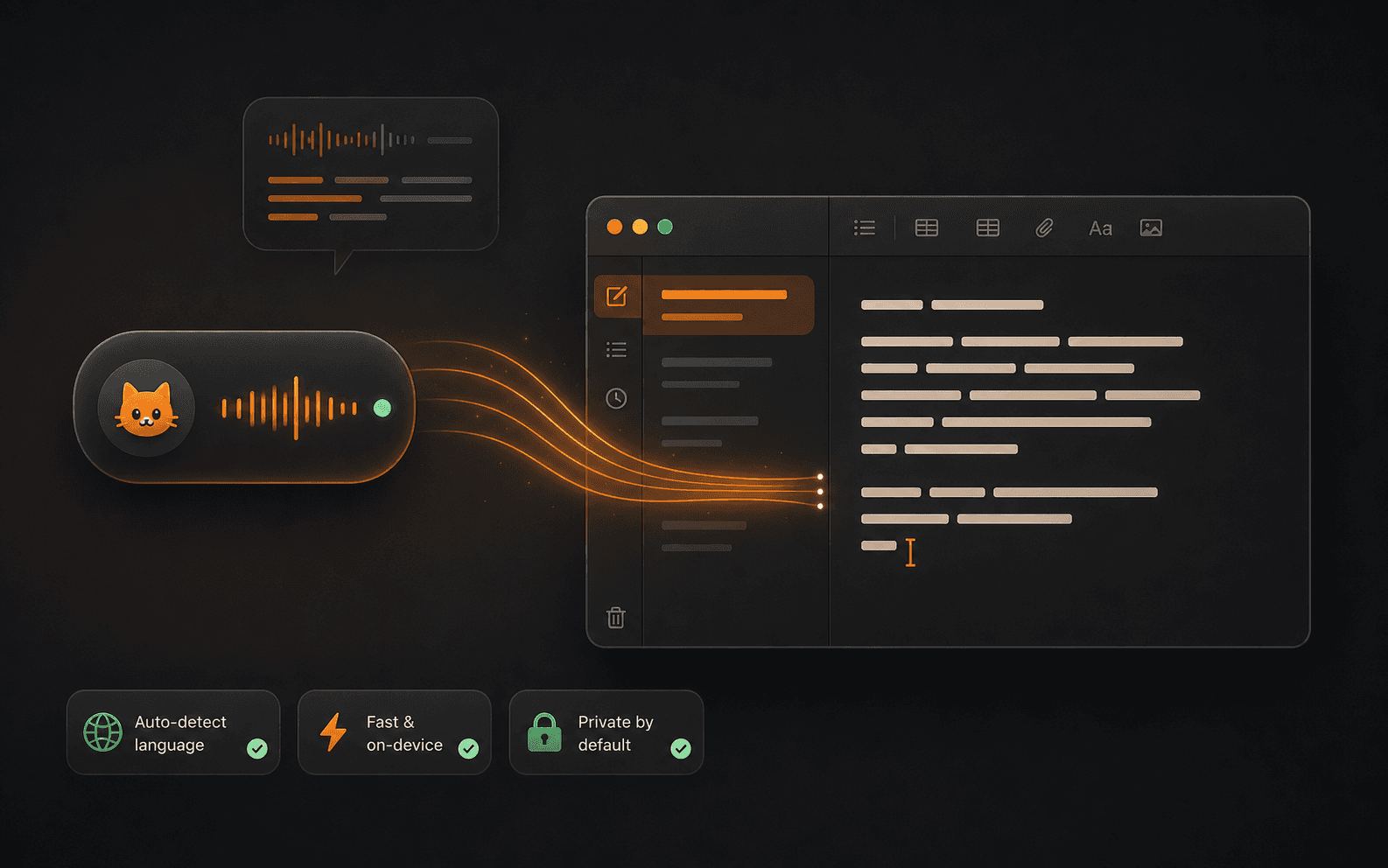
Capture short thoughts before they disappear.
Notes

Capture short thoughts before they disappear.

Use Piko for the small private notes that are too annoying to type but too useful to lose.
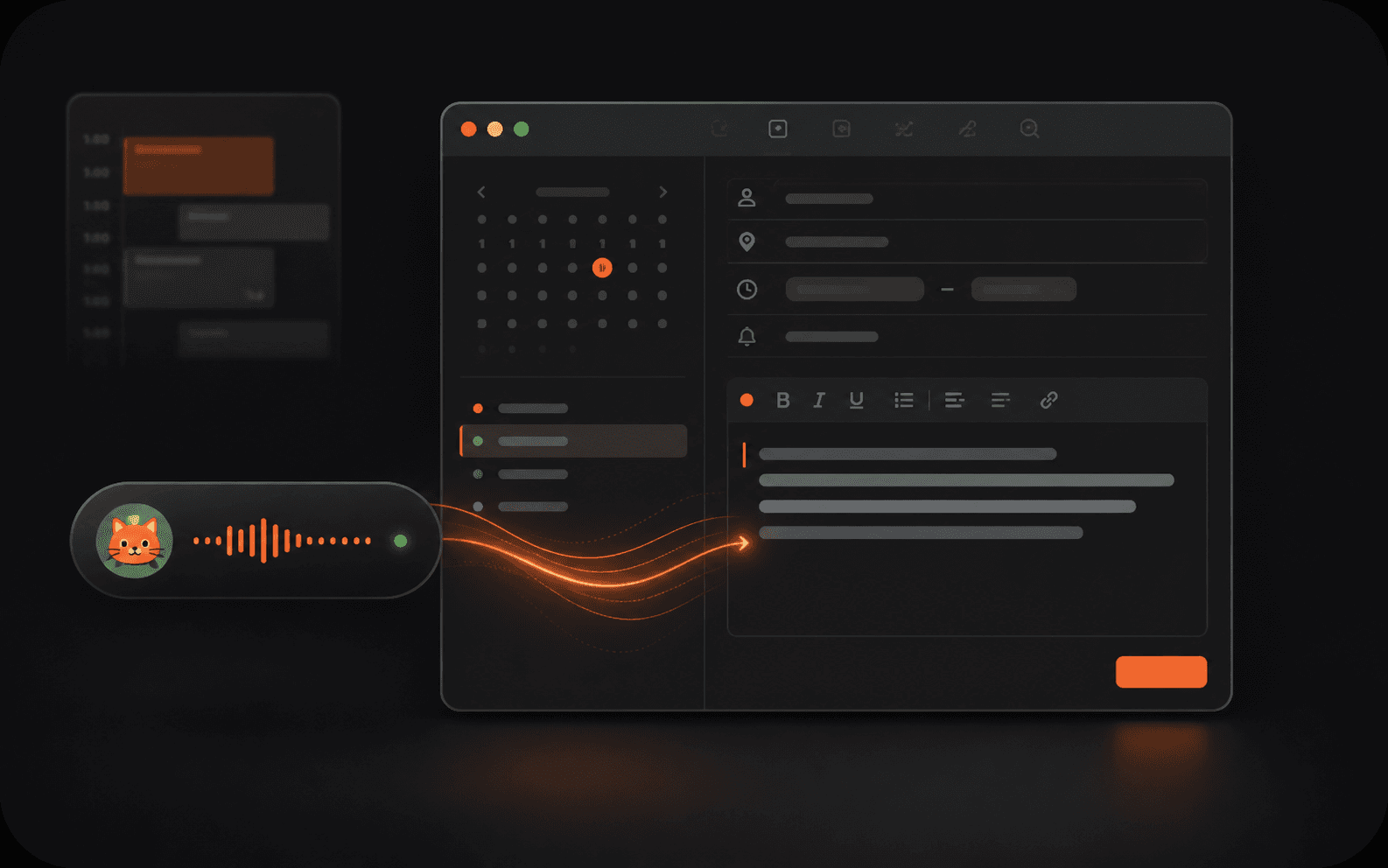
Move between English and Chinese without setup.
Mixed work

Move between English and Chinese without setup.

When your work moves between languages, Piko follows the sentence instead of making you switch modes.

If this saves you a few minutes every day, the one-time price pays for itself quickly.

Piko is priced as a small paid utility: one payment, no subscription, built for repeated daily use.

Buy Piko — $9.90
Pricing

One payment. Piko is yours.

A lifetime macOS license for the local-first dictation loop. No subscription.

Save the tiny typing moments that repeat every day.
Turn rough speech into text you can actually send.
Keep private notes on your Mac by default.
Lifetime
$9.90
  • Press fn to dictate anywhere
  • Places text at your cursor
  • Menu bar history for recent text
  • English and Chinese input
  • Private by default
One-time payment · Lifetime updates for the current major version
FAQ

Questions, answered.

Does Piko upload my audio or transcript anywhere?
No. By default, audio is processed entirely on your Mac and transcript text is never written to any log. The only way text leaves your device is if you explicitly enable the optional LLM cleanup and provide your own endpoint.
Which macOS versions does Piko support?
macOS 14 Sonoma or later. Apple Silicon Macs are recommended for the best experience.
Does Piko work fully offline?
Yes. The default dictation path requires zero network. Only optional online cleanup needs the internet.
Can I use online cleanup?
Yes, but it is optional and off by default. Piko only uses online cleanup when you deliberately enable it.
What do I get for $9.90?
You get the paid macOS utility for the current major version: fn dictation, cursor placement, recent history, English and Chinese input, and the local-first default path.
Where is my transcript history stored?
Locally, in Piko's sandbox under your user library. You can clear it any time from Settings → Privacy → Clear all history.

Speak it. Place it.

A tiny local-first voice tool for fast writing on macOS. $9.90 one-time.

Buy Piko — $9.90